Profile
By clicking the lines at the top right in Quoting24 and accessing the section
Settings → Profile, you can change some important aspects
of the platform usage experience.
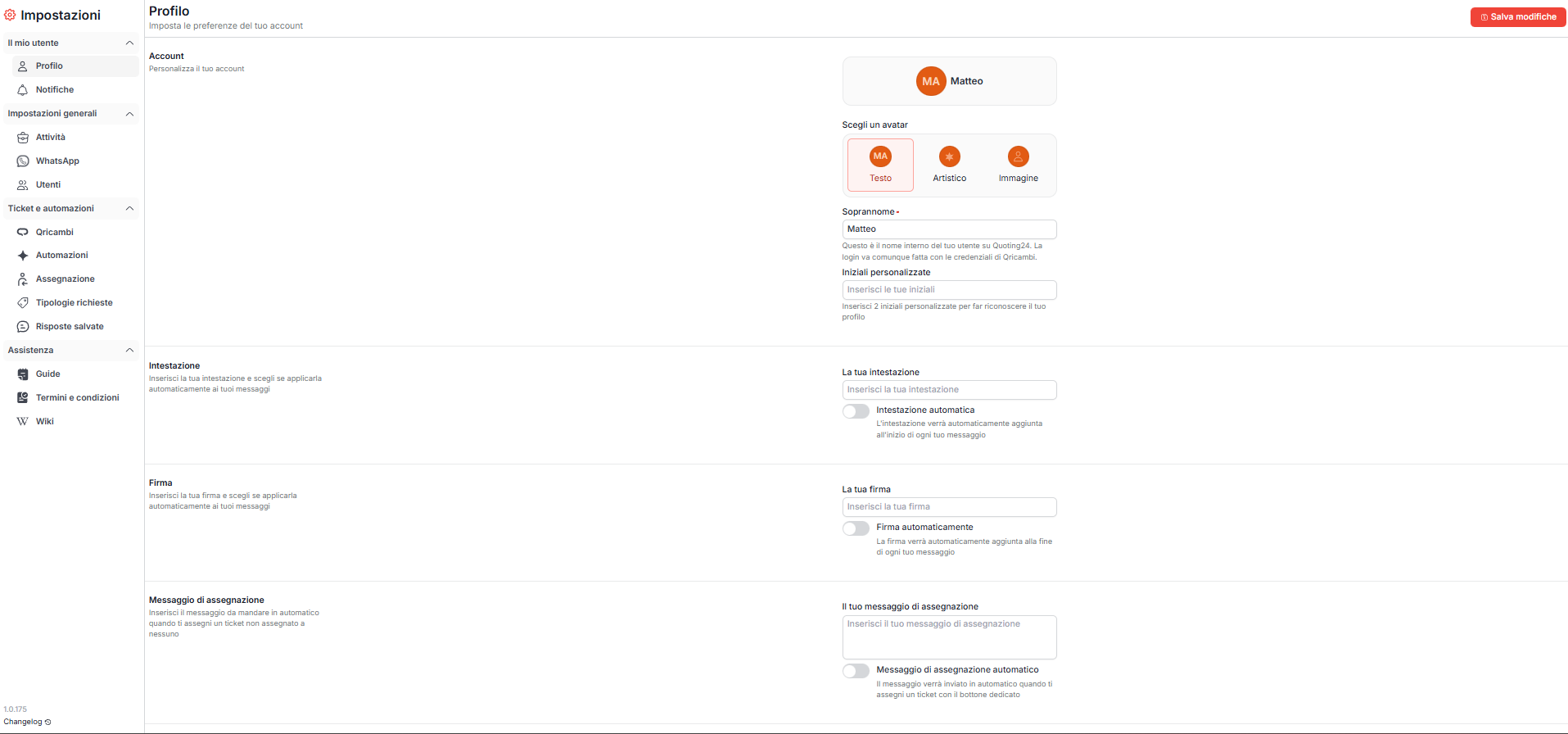
Profile customization
In this section you can customize your profile by changing:
-
the avatar, by entering:
-
the custom initials of your name
- an artistic logo
- or by uploading an image
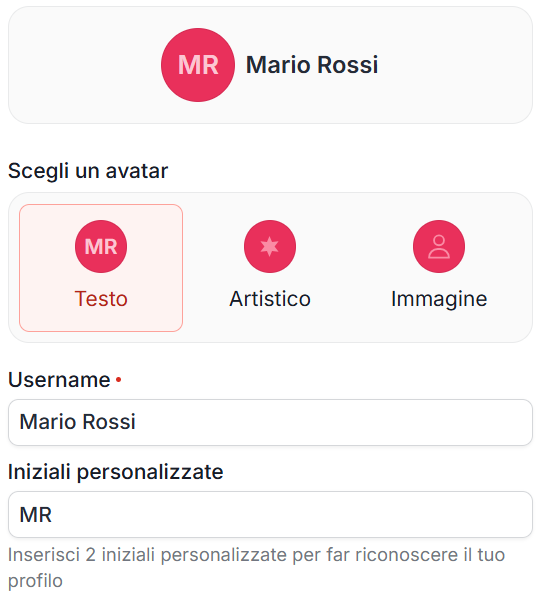
Nickname
The nickname:
- initially matches the Qricambi login username
- is required
- can be changed freely
The nickname represents your internal name on Quoting24 and is what:
- is displayed to colleagues
- is used for ticket assignments
Changing the nickname:
- does not change the login username
- does not affect the access credentials for Quoting24 and Qricambi
Saving changes

After customizing the profile settings, you must save the changes before leaving the page.
Displaying the changes in chat may require:
- saving the settings
- a refresh of the ticket page (F5)
Signature, header and automatic messages
You can set a personal signature and an automatic header.
For signature and header you choose when they are added to messages sent from Quoting24:
- Always — they go on every message
- Only on the first message of the ticket and with Send and close — they are added only to the first message of that ticket and when you send with Send and close (sends the message and closes the ticket)
The signature is inserted at the bottom of the message. The header, similar to the signature, is inserted before the message.

You can also configure a takeover message, sent automatically when you click the assignment button of a ticket that has not yet been assigned.
Sending without header or signature
Even when header and signature are set to always or only on the first message of the ticket and with Send and close, you can send a single message without header and without signature.
This option is useful when the message needs to be more direct, for example for short confirmations or operational replies that are already contextualized in the conversation.