Telegram channel
In Settings → Channels, press Configure on the Telegram row.
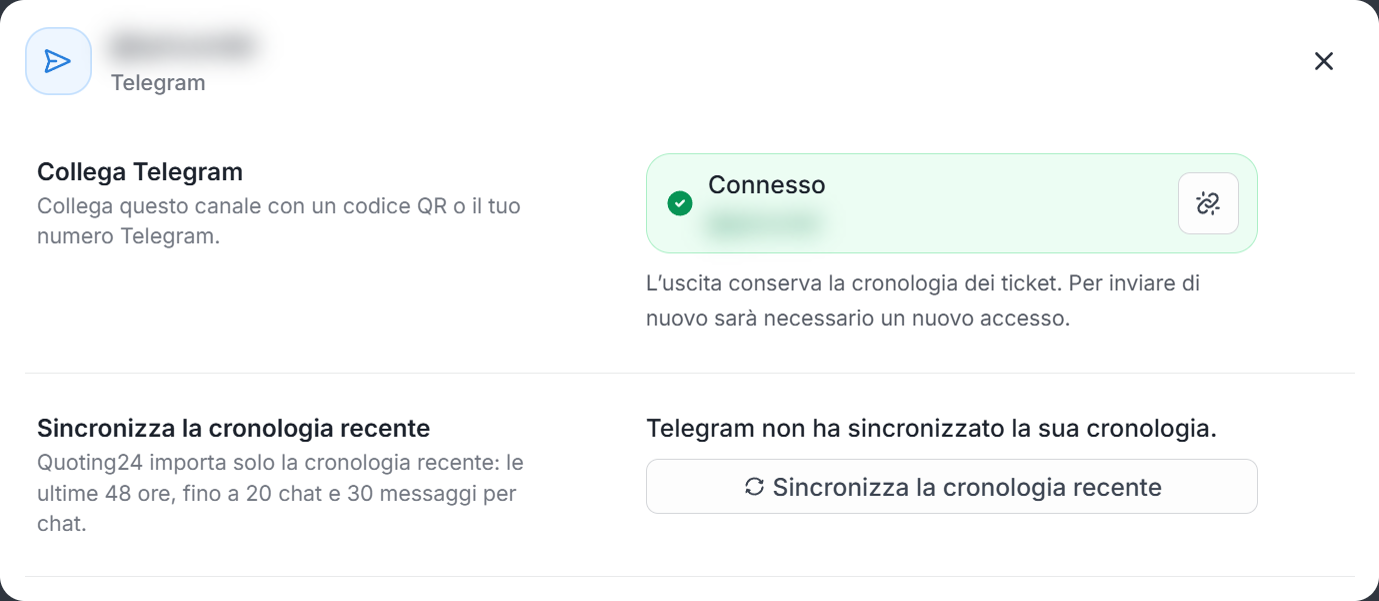
Connecting the account
Two ways:
- Connect with a QR code. On the phone open Telegram, then Settings → Devices → Link desktop device, and scan the QR. The code expires: if it has expired, generate a new one.
- Phone number, with the international prefix. Then enter the code Telegram sends you and, if the account asks for it, the two-step verification password.
When the link succeeds the state is Connected.
Logging out of Telegram keeps the ticket history. Sending again requires a new login.
Recent history
Sync recent history imports only the last 48 hours, up to 20 chats and 30 messages per chat. It does not rebuild the whole account history.
Telegram forum topics are not supported on this channel. Content that Telegram protects cannot be copied, downloaded or forwarded.
As with the other channels, Customize sets the name, icon and color used on the ticket tag.