Internal chat
Internal chat, next to Tickets, is the conversation between colleagues. It does not write to the customer.
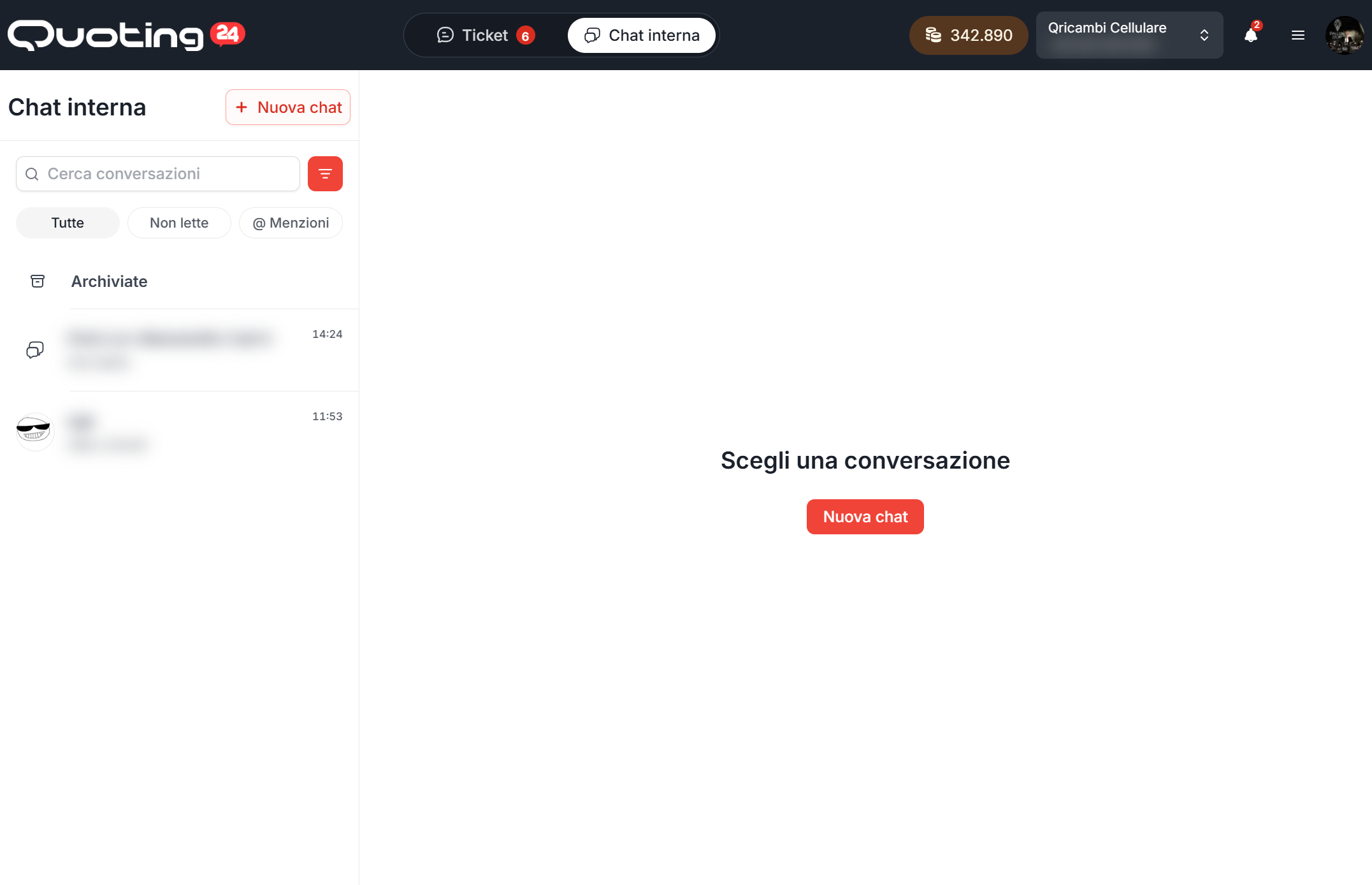
New chat opens a direct chat with a colleague. From the same panel, Create a group asks for a name (optional) and the participants.
The filters at the top are All, Unread and Mentions. The funnel splits the list into All chats, Direct, Groups and Forums. Archived collects the chats you have set aside.
Message search starts at 3 characters. You can narrow it by conversation and by sender.
Messages
In Write a message… you send with Enter. The tools beside the field are emoji, attachments and send.
- @ mentions a participant in the chat.
- Reply quotes the message above the answer.
- You can attach up to 10 files, each between 1 byte and 50 MB.
- Reactions and Seen by sit on the message.
In a group, the owner renames the chat, adds people with Add participant, appoints another owner and removes members. Before Leave group, appoint another owner. Chat notifications are All messages, Mentions only or Muted.
Ticket forum
Every ticket has a forum for the team. On the ticket, open the chat-icon tab on the right: the title is Chat with the contact’s name, or Ticket forum.
From there, the Open in internal chat arrow brings the same conversation into the full screen. In the list, forums are titled Chat with the contact.
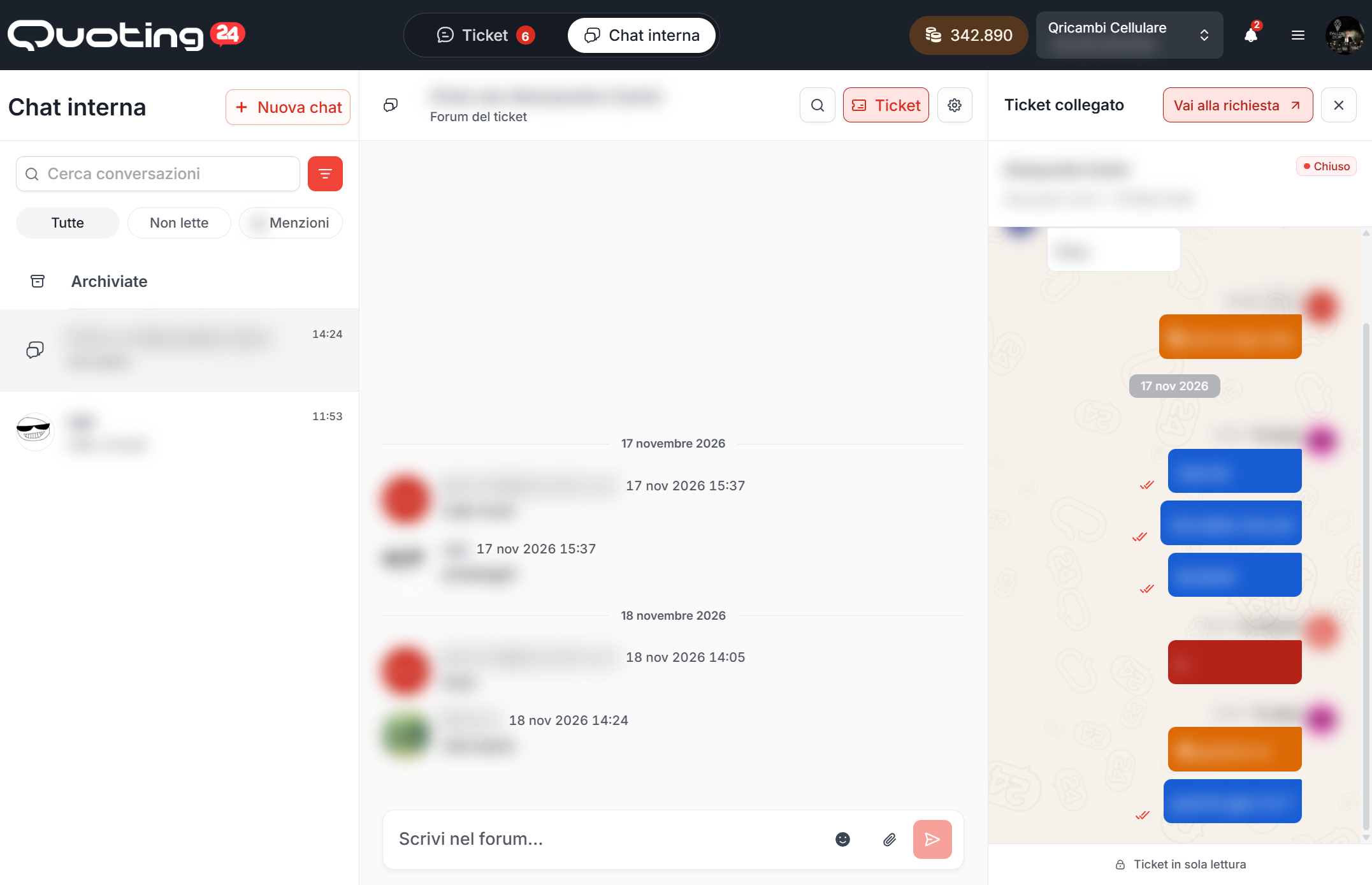
You write in the forum with Write in the forum…. The Ticket button opens the Linked ticket on the side, with Go to request to return to the customer ticket. The forum does not replace the customer chat: forum messages stay internal.
If the ticket has more than one forum, pick which one at the top, including Archived ones.
Guests
A colleague from another room of the same account can follow the ticket as a Guest. The linked ticket shows Guest and the room name, and the customer conversation is a Read-only ticket: you can read it, and you do not reply to the customer from there.
You keep writing in the forum. When you are added, the notification says You have been added as a guest.